Prosecutor Offices

Service feedback surveys for prosecutor offices

Check whether public-facing instructions help people find the right office, ask for support, or understand a general next step. Keep the feedback separate from case correspondence.

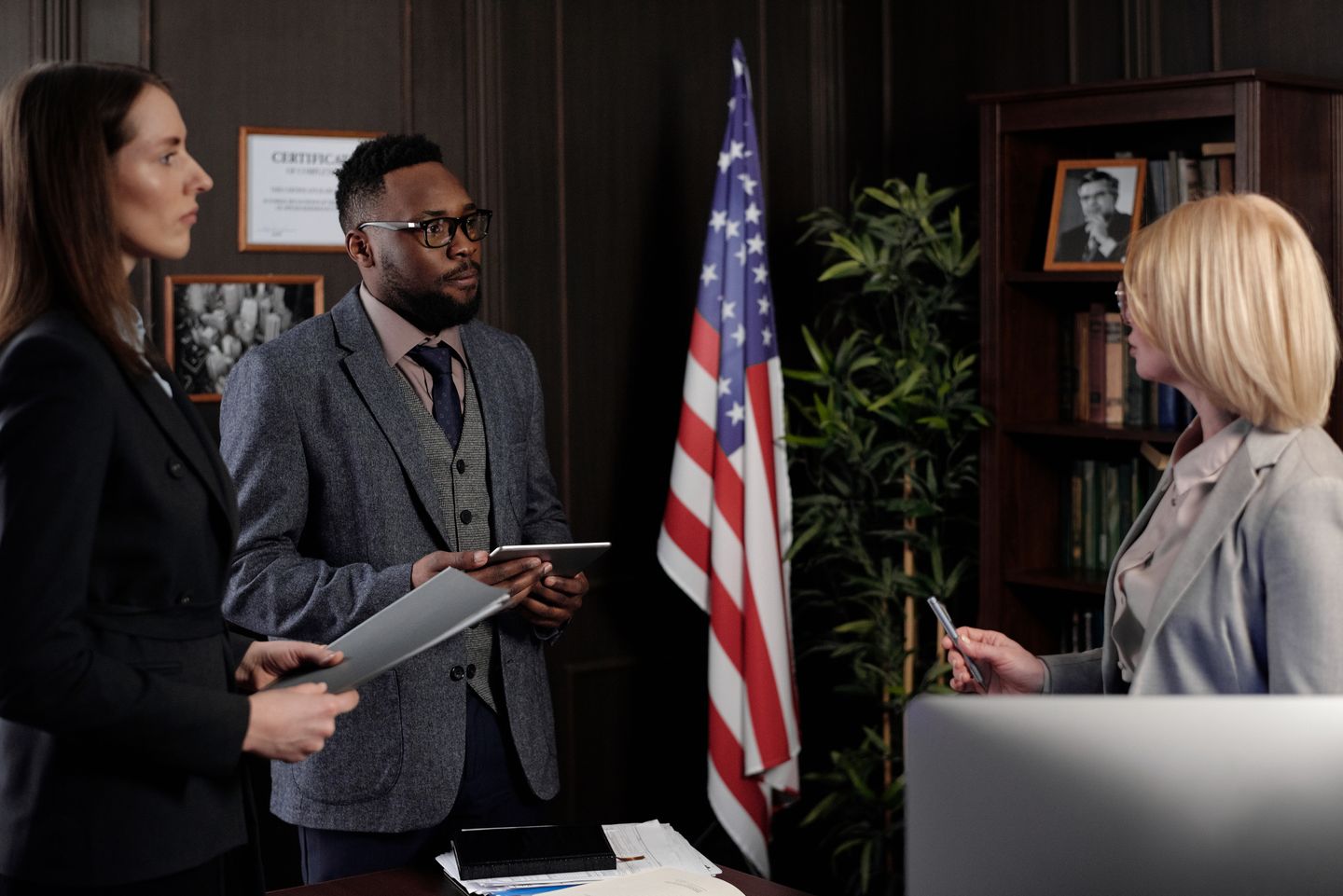
Legal professionals in discussion around a table in an office.
Service clarity & staff feedbackCourthouse information feedback

What would make the courthouse arrival instructions easier to use on a phone?

Example survey question

Where to start

What to ask and when

01

Make office information easier to use

Ask whether visitors found the right public counter, office hours and general contact information on the first try.

02

Review victim services resources

Evaluate the readability and accessibility of general information; direct individual requests and case questions to established channels.

03

Get feedback on training and outreach

Find out which parts of a staff workshop or community presentation need better examples or follow-up materials.

Survey templates

Survey questions for Prosecutor Offices

Preview the questions here. In the builder, choose your response formats and adjust the wording for your audience.

01Prosecutor Office Public Counter Feedback10 example questions
  1. How easy was it to find the public counter?
  2. How clearly did posted signs explain where to wait?
  3. How easy was it to tell which questions the public counter can answer?
  4. How well did the office describe its public hours?
  5. How easily could you find an accessible route to the counter?
  6. How useful was the explanation of where to go for general help?
  7. How understandable were the public notices at the counter?
  8. Which step in a routine visit could the office make clearer?
  9. What would help a first-time visitor choose the right counter?
  10. What one change would improve the public counter experience?
Log in to build this survey
02Courthouse Arrival Information Feedback10 example questions
  1. How useful were the courthouse directions before you traveled?
  2. How easy was it to identify the correct entrance from the instructions?
  3. How clear was the general information about arriving early?
  4. How helpful was the published information about accessible entrances?
  5. How well did the instructions explain where to ask for directions?
  6. How useful was the courthouse map on a phone?
  7. Which travel detail was missing from the written instructions?
  8. What would make the directions easier to use if printed?
  9. Which instruction about arrival was easiest to miss?
  10. What should the arrival guide explain near the top?
Log in to build this survey
03Victim Services Resource Guide Feedback10 example questions
  1. How clearly did the guide explain what the victim services office can help with?
  2. How easy was it to find the office’s general contact information?
  3. How useful was the overview of available public resources?
  4. How well did the guide explain where to find help outside regular hours?
  5. Which word or phrase needs a plain-language explanation?
  6. How easy was it to tell which resources were outside the prosecutor’s office?
  7. How readable were the headings when you scanned the guide?
  8. How easy was it to locate the translated or accessible versions?
  9. Which general resource should be given more space in the guide?
  10. What would make the guide easier to use the first time you open it?
Log in to build this survey
04Witness Orientation Materials Feedback10 example questions
  1. How clearly did the materials explain the purpose of witness orientation?
  2. How easy was it to locate the courthouse contact information?
  3. How well did the materials explain where to ask a general question?
  4. How readable were the instructions without someone to explain them?
  5. How helpful was the overview of what to expect when arriving?
  6. How easy was it to identify which materials to read before a visit?
  7. What general term in the orientation materials needed a definition?
  8. What information should the office put into a one-page checklist?
  9. What would make the materials easier to use on a phone?
  10. Which part of the orientation should be explained first?
Log in to build this survey
05Prosecutor Office Public Website Feedback10 example questions
  1. How easily could you find the prosecutor office’s main page?
  2. How quickly could you find the correct general contact information?
  3. How useful was the navigation when looking for public resources?
  4. Which heading made it difficult to tell what information was on a page?
  5. How easy was it to find the public office hours?
  6. How easily could you read the site on your usual device?
  7. How easy was it to tell which links would open a document?
  8. What information was harder to find than you expected?
  9. Which public resource should the homepage link to more directly?
  10. What would make the website clearer to someone unfamiliar with the office?
Log in to build this survey
06Prosecutor Office Language Access Feedback10 example questions
  1. How easy was it to find the available languages on the website?
  2. How clear were the instructions for asking for an interpreter?
  3. How easy was it to identify which resources had a translation?
  4. Which general office instruction needs simpler language?
  5. How useful were visual cues in finding the right public resource?
  6. How easy was it to return to the same page after changing language?
  7. What printed information would benefit most from a translated version?
  8. How clear was the public information about getting help reading a document?
  9. What should the office explain before someone calls for language assistance?
  10. What change would make multilingual information easier to navigate?
Log in to build this survey
07Prosecutor Community Outreach Event Feedback10 example questions
  1. How clear was the event description before you attended?
  2. How easy was it to locate event details?
  3. How well did the event explain the office’s public services?
  4. How clearly did speakers distinguish between general information and case-specific questions?
  5. How useful were the public resources shared at the event?
  6. How much opportunity did you have to ask a general question?
  7. What would make the event more accessible to first-time attendees?
  8. What topic needed a simpler explanation?
  9. What topic should a future outreach event cover?
  10. How could the office make event materials easier to find afterward?
Log in to build this survey
08Prosecutor Office Staff Onboarding Feedback10 example questions
  1. How clearly did onboarding explain the responsibilities of different work groups?
  2. How easy was it to find a reference for routine office processes?
  3. How useful were the exercises on helping the public find resources?
  4. What part of onboarding needed a clearer timeline?
  5. How helpful was the introduction to public-facing materials?
  6. How easy was it to find the right staff contact for general questions?
  7. How well did onboarding explain the order in which to learn new tools?
  8. What information would have been useful on the first day?
  9. Which onboarding topic needs a better example?
  10. What change should be made before the next new staff group starts?
Log in to build this survey
09Prosecutor Office Training Evaluation10 example questions
  1. How closely did the session match the advertised learning goals?
  2. How clearly did the trainer explain the process being taught?
  3. How useful were the practice activities?
  4. Which part of the training would benefit from a worked example?
  5. How useful were the resources shared with participants?
  6. How well did the pace suit people new to the topic?
  7. Which practical question remained after the training ended?
  8. What skill would be useful to revisit in a short refresher?
  9. How easy would it be to apply the training to a routine task?
  10. What would you change about the next session?
Log in to build this survey
10Prosecutor Office Community Partner Feedback10 example questions
  1. How easily can partner organizations find up-to-date general office contacts?
  2. How well do public materials explain the office’s different services?
  3. How clear are the instructions for directing people to a general resource?
  4. How useful are routine partner briefings for resolving communication issues?
  5. Which common service question would benefit from a shared written answer?
  6. How consistently are changes to public resources shared with partners?
  7. Which public-facing material needs joint review?
  8. What details are most often missing from general referral guidance?
  9. How could the office and partner organizations coordinate outreach more effectively?
  10. What one change would make general service handoffs easier?
Log in to build this survey

Field guide

Planning a survey for Prosecutor Offices

Evaluate prosecutor office public counter directions

Read the guide

Walk through a first visit from the public website to the right counter. Ask visitors whether they could find the office hours, identify the entrance and tell where to ask a general question. If answers repeatedly point to the same confusing sign, try a plain-language replacement before changing several parts of the process at once.

Offer a short optional survey near the exit and through a link on the public information page. Keep it separate from check-in or any service request. Track the collection dates and whether the signs changed during that period, so the office knows which version visitors were commenting on.

Measure whether victim services information is easy to navigate

Read the guide

Ask someone using the resource guide to locate the office’s general phone number, find a translated copy and tell whether a listing describes an office service or an outside community resource. A missed link or unclear heading is something the information team can fix. Do not ask respondents to explain why they needed the guide.

If a survey includes a comment box, remind respondents not to share names, evidence, case numbers, or requests for assistance. Link to the approved contact channel separately. Review comments before circulating a report and summarize observations without sharing details that could identify a visitor.

Collect feedback on witness orientation materials, not testimony

Read the guide

Ask whether the arrival checklist is easy to read on a phone, whether public contact information is clearly marked, and whether terms in the handout need a definition. Put the questions directly after the general material readers are reviewing. Do not ask people to describe testimony, facts, individual conversations or the outcome of a matter.

Look for improvements the office can make without interpreting someone’s case. If multiple readers say the map is hard to use, compare a labeled one-page version with the previous version and keep the feedback question the same. Small numbers can still point to a usability issue, but do not report them as representative.

Ready to put your first survey to work?

Choose a plan, then use Officer Survey to write, share, and review your own survey.

Choose a plan
  • Start with sample questions
  • Share a link or QR code
  • Review ratings and comments

Practical guidance

Frequently asked questions

Should we ask people about charging decisions or case outcomes?

No. These templates focus on the usability of public information and services, not case decisions, evidence or case outcomes.

Can the survey replace a victim services contact form?

No. Keep requests for assistance or case updates in your approved channels. Use a feedback survey to improve general information and access.

How do we keep public feedback questions appropriate?

Invite comments about the service, remind people not to include names or case information, and give them a separate approved channel for individual help.