Improve a first visit
Put a short survey near the exit or link to it from the visitor information page. Separate arrival directions from counter service so comments point to the right team.

Courts and Court Security
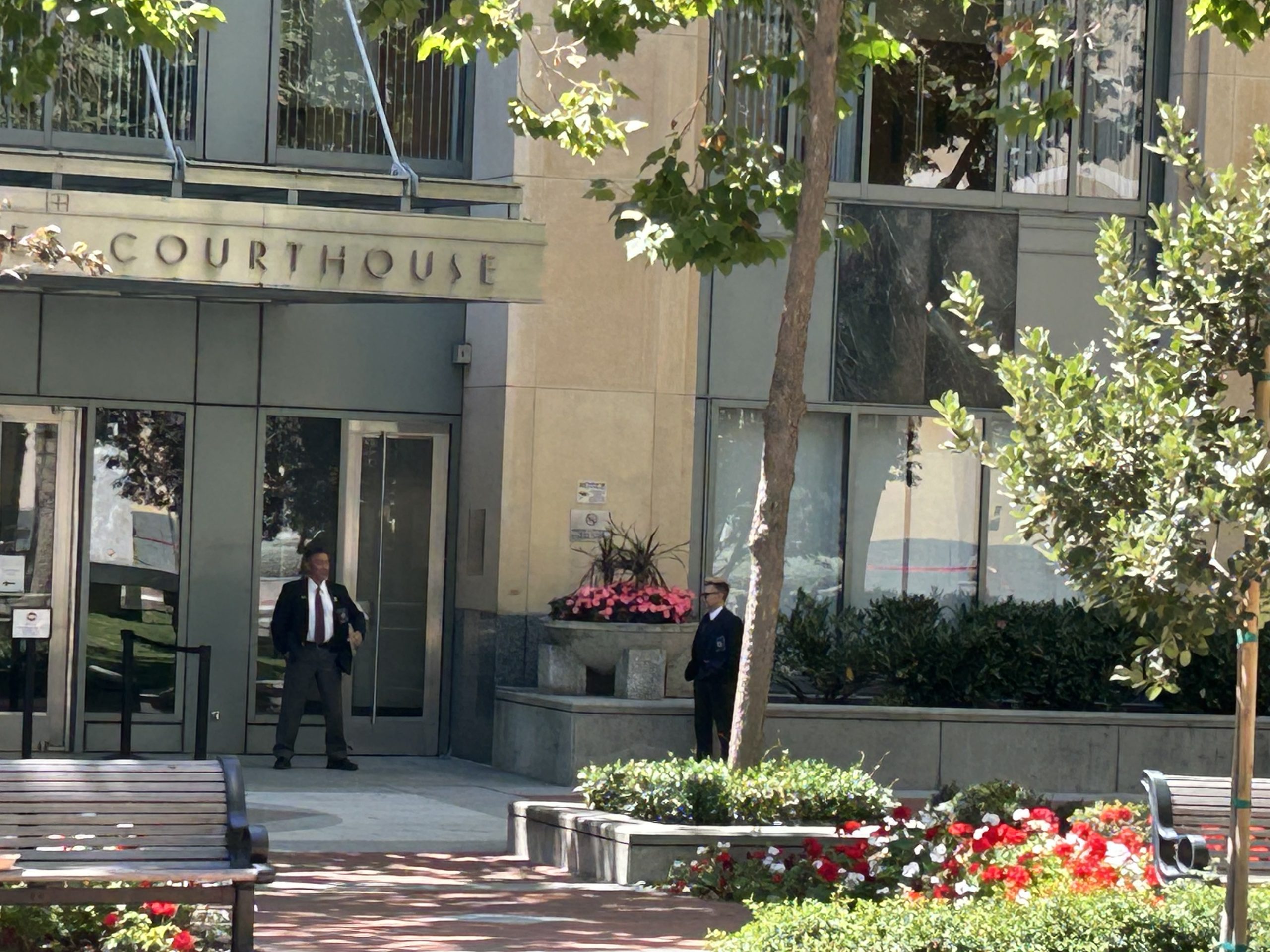
Find out where courthouse visitors lose time: unclear entry instructions, signs that point the wrong way, or a counter they cannot find. Give court staff a short list of fixes to try.
How easy was it to find the right public service counter?
Example survey questionWhere to start
Put a short survey near the exit or link to it from the visitor information page. Separate arrival directions from counter service so comments point to the right team.
Ask whether written directions, check-in information, and schedule updates were clear. Leave deliberations, legal outcomes, and juror identifiers out of the form.
After rewriting a sign or a public web page, ask a small group to find the same information. Review where they got stuck before publishing further changes.
Survey templates
Preview the questions here. In the builder, choose your response formats and adjust the wording for your audience.
Field guide
Start with a question the court can act on, such as whether visitors can find the clerk’s public counter from the main lobby. In one courthouse, the public website might direct people to a room number while the sign in the building uses a department name. Ask which source they used and what they expected to see when they arrived.
Offer the survey at more than one public exit or service point. People who turned back or used the wrong counter may not see a survey placed only at the correct desk. Keep a short URL available for visitors who prefer not to scan a QR code.
Ask online users to find a specific public resource, such as general remote attendance instructions. Then ask whether they found it on the first try and which heading led them there. For in-person visitors, ask what information they needed before leaving home. The difference can tell you whether to improve a sign, a public guide, or both.
Give administrative staff a way to keep the public wording current. If respondents mention outdated hours or a misleading link, verify the information directly before assigning the change. Treat response counts as feedback from the people reached, not as a measure of everyone’s experience.
Keep prompts on finding information, understanding instructions, and receiving respectful service. Do not ask what brought someone to court, whether they agreed with an outcome, or what happened during a specific screening. Explain at the start that the survey is not a place to file a complaint or submit documents.
Before circulating results, review comments for names, case references, or identifying details the respondent may have volunteered. Share themes rather than raw comments when needed. Record the change you made and repeat the same question after the update to see whether respondents still report the problem.
Choose a plan, then use Officer Survey to write, share, and review your own survey.
Practical guidance
Start with the building experience: finding the entrance, reading instructions, accessing public services, and getting directions. Do not ask about the substance of any case.
Yes. Share a survey link or QR code at a public counter or on a website. Provide a written or staff-assisted alternative where appropriate.
Ask whether signs, instructions, and public interactions were clear and respectful. Avoid collecting names, case numbers, screening details, or reports of security weaknesses.