Courts and Court Security

Courthouse visitor feedback and court access surveys

Find out where courthouse visitors lose time: unclear entry instructions, signs that point the wrong way, or a counter they cannot find. Give court staff a short list of fixes to try.

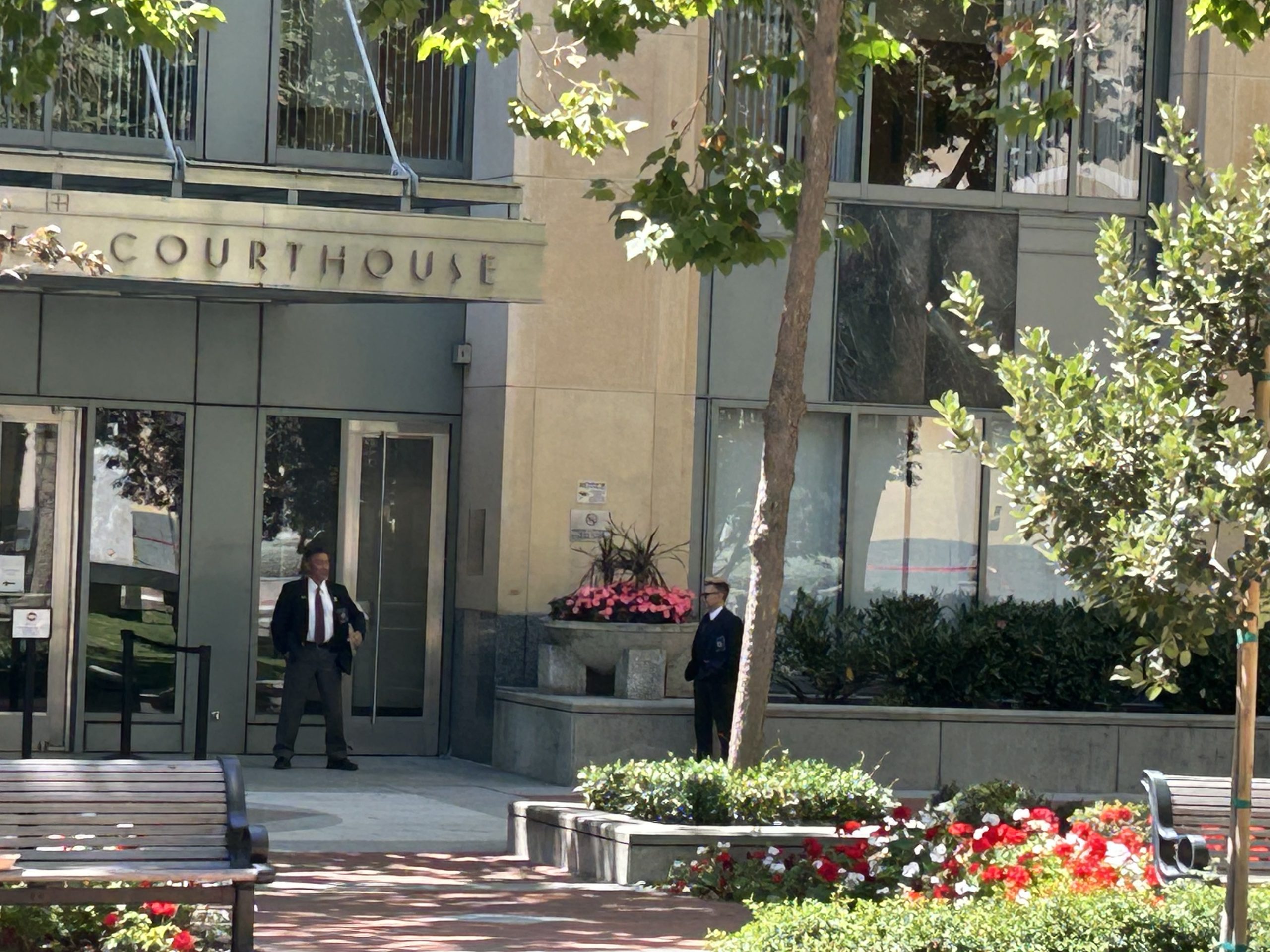
Two court security officers standing inside a federal courthouse.
Court visitor experienceCourthouse visitor feedback

How easy was it to find the right public service counter?

Example survey question
Illustrative photo. No agency affiliation or endorsement implied.

Where to start

What to ask and when

01

Improve a first visit

Put a short survey near the exit or link to it from the visitor information page. Separate arrival directions from counter service so comments point to the right team.

02

Review jury orientation

Ask whether written directions, check-in information, and schedule updates were clear. Leave deliberations, legal outcomes, and juror identifiers out of the form.

03

Test public-facing materials

After rewriting a sign or a public web page, ask a small group to find the same information. Review where they got stuck before publishing further changes.

Survey templates

Survey questions for Courts and Court Security

Preview the questions here. In the builder, choose your response formats and adjust the wording for your audience.

01Courthouse Visitor Experience10 example questions
  1. How easy was it to find the building entrance?
  2. How clearly did the signs identify public areas?
  3. How easy was it to find the right floor?
  4. How helpful was the information desk?
  5. How comfortable was the public waiting area?
  6. How easy was it to locate an accessible restroom?
  7. How clear were the instructions posted near the elevators?
  8. How easily could you locate the court clerk's office?
  9. What part of the visit took longer than you expected?
  10. What single change would help a first-time visitor most?
Log in to build this survey
02Courthouse Screening Communication10 example questions
  1. How easy was it to find the public entry instructions before arriving?
  2. How clear was the posted information about what visitors should bring?
  3. How clear were the directions for joining the entry line?
  4. How respectfully were visitors addressed?
  5. How clearly did staff explain the next step?
  6. How easy was it to ask a general question at the entrance?
  7. How well did signs prepare you for a possible wait?
  8. How usable were the instructions for visitors who do not read English comfortably?
  9. What public-facing instruction should be rewritten?
  10. What else would make the entry process easier to understand?
Log in to build this survey
03Court Clerk Counter Service10 example questions
  1. How easy was it to determine which counter handled your request?
  2. How clear were the clerk's explanations of available public forms?
  3. How easy was it to understand which administrative steps came next?
  4. How accurately did posted service hours reflect your visit?
  5. How useful were instructions on obtaining public copies?
  6. How clearly did the office explain any posted fees?
  7. How easy was it to identify a contact for administrative questions?
  8. How respectfully were you treated at the counter?
  9. What information would have saved you a trip to the counter?
  10. What part of the counter experience should the office improve first?
Log in to build this survey
04Jury Reporting Orientation10 example questions
  1. How easy was it to understand where jurors were expected to report?
  2. How clear was the parking or transit information?
  3. How easy was it to find the check-in area?
  4. How well did the orientation explain the day's expected schedule?
  5. How useful was the information about breaks?
  6. How clear was the guidance on notifying the jury office about an accommodation need?
  7. How easy was it to understand how schedule changes would be communicated?
  8. What was the most helpful part of the orientation?
  9. What information was missing before you arrived?
  10. What would make the jury reporting instructions clearer?
Log in to build this survey
05Courthouse Accessibility and Wayfinding10 example questions
  1. How easy was it to identify an accessible public entrance?
  2. How useful was online information about accessible parking or drop-off?
  3. How easy was it to follow signs from the entrance to the public counter?
  4. How readable were wayfinding signs from a comfortable distance?
  5. How easy was it to locate a place to sit while waiting?
  6. How clearly was the accommodation request process described?
  7. How consistent were online directions with what you found onsite?
  8. How helpful were staff when you asked for directions?
  9. What location was hardest to find?
  10. What change would make the building easier to navigate?
Log in to build this survey
06Court Language Assistance Experience10 example questions
  1. How easy was it to find general information about language assistance?
  2. How clear was the wording about where to direct a language request?
  3. How useful were translated directions at the entrance?
  4. How easy was it to locate translated administrative information online?
  5. How promptly did you receive a response to a general language assistance question?
  6. How well did the translated information match the instructions you received onsite?
  7. How clear was the information about requesting assistance in advance?
  8. How comfortable did you feel asking for language help?
  9. Which public material would be most useful to translate next?
  10. What would make the language assistance instructions easier to find?
Log in to build this survey
07Remote Court Information Page Feedback10 example questions
  1. How easy was it to find general remote attendance instructions online?
  2. How clearly did the instructions describe supported devices?
  3. How understandable were the steps for checking audio in advance?
  4. How easily could a first-time visitor identify the help contact?
  5. How clear was the guidance for people with limited internet access?
  6. How helpful was the explanation of what to do if a connection drops?
  7. How readable were the instructions on a phone?
  8. How easy was it to distinguish remote attendance information from in-person directions?
  9. What technical term in the instructions needed an explanation?
  10. What should the court add to the public remote attendance guide?
Log in to build this survey
08Court Self-Help Center Feedback10 example questions
  1. How easy was it to learn what services the self-help center offers?
  2. How clear were the published opening hours?
  3. How easy was it to tell whether an appointment was needed?
  4. How helpful was the signposting to public information resources?
  5. How clear was the explanation of what the center cannot assist with?
  6. How easy was it to locate an updated public guide?
  7. How useful was the handout or link you received?
  8. How respectfully did staff answer your administrative questions?
  9. What question should the center answer on its website?
  10. What additional public resource would have improved your experience?
Log in to build this survey
09Court Staff Public Service Training10 example questions
  1. How well did the session explain the standard for respectful communication?
  2. How useful were examples of giving clear directions?
  3. How useful was the practice in explaining administrative next steps?
  4. How clearly did the session distinguish general information from legal advice?
  5. How well did it address plain language in public interactions?
  6. How useful was the guidance on directing visitors to accessibility support?
  7. How actionable was the feedback you received during practice?
  8. What part of the training can you use immediately?
  9. What public-facing scenario would you like to practice again?
  10. What job aid would help you apply the training consistently?
Log in to build this survey
10Courthouse Public Website Usability10 example questions
  1. How quickly could you find the courthouse address?
  2. How easy was it to find the hours for the public service counter?
  3. How useful was the information about parking or transit?
  4. How clearly did the site distinguish courthouse locations?
  5. How easy was it to find a public phone number?
  6. How easy was it to find accessibility information from the homepage?
  7. How readable were the public directions on a mobile device?
  8. How current did the information about closures appear?
  9. What did you search for but not find?
  10. What information should appear higher on the page?
Log in to build this survey

Field guide

Planning a survey for Courts and Court Security

Find out where courthouse visitors lose time

Read the guide

Start with a question the court can act on, such as whether visitors can find the clerk’s public counter from the main lobby. In one courthouse, the public website might direct people to a room number while the sign in the building uses a department name. Ask which source they used and what they expected to see when they arrived.

Offer the survey at more than one public exit or service point. People who turned back or used the wrong counter may not see a survey placed only at the correct desk. Keep a short URL available for visitors who prefer not to scan a QR code.

Compare court access feedback across in-person and online visits

Read the guide

Ask online users to find a specific public resource, such as general remote attendance instructions. Then ask whether they found it on the first try and which heading led them there. For in-person visitors, ask what information they needed before leaving home. The difference can tell you whether to improve a sign, a public guide, or both.

Give administrative staff a way to keep the public wording current. If respondents mention outdated hours or a misleading link, verify the information directly before assigning the change. Treat response counts as feedback from the people reached, not as a measure of everyone’s experience.

Review court survey responses without creating a case record

Read the guide

Keep prompts on finding information, understanding instructions, and receiving respectful service. Do not ask what brought someone to court, whether they agreed with an outcome, or what happened during a specific screening. Explain at the start that the survey is not a place to file a complaint or submit documents.

Before circulating results, review comments for names, case references, or identifying details the respondent may have volunteered. Share themes rather than raw comments when needed. Record the change you made and repeat the same question after the update to see whether respondents still report the problem.

Ready to put your first survey to work?

Choose a plan, then use Officer Survey to write, share, and review your own survey.

Choose a plan
  • Start with sample questions
  • Share a link or QR code
  • Review ratings and comments

Practical guidance

Frequently asked questions

What should a court visitor survey cover?

Start with the building experience: finding the entrance, reading instructions, accessing public services, and getting directions. Do not ask about the substance of any case.

Can we place a QR code near the information desk?

Yes. Share a survey link or QR code at a public counter or on a website. Provide a written or staff-assisted alternative where appropriate.

How can court security managers use feedback without collecting sensitive details?

Ask whether signs, instructions, and public interactions were clear and respectful. Avoid collecting names, case numbers, screening details, or reports of security weaknesses.